Blazor Web Assembly app
Overview
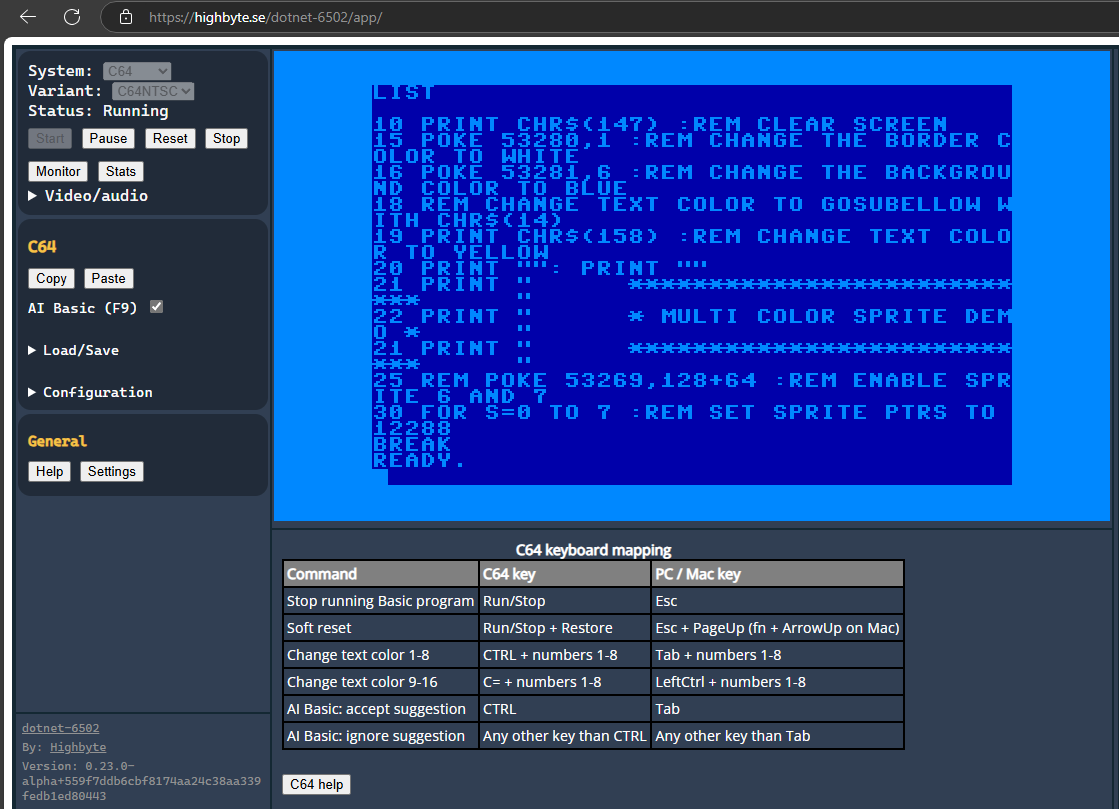
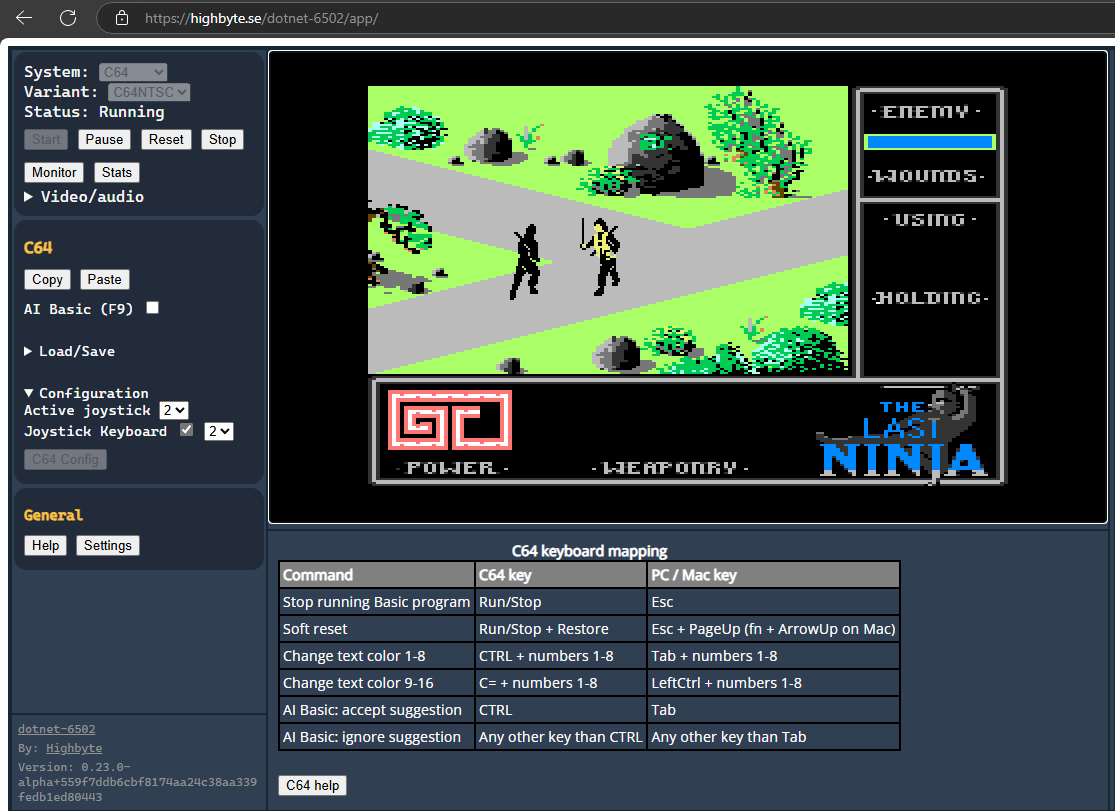
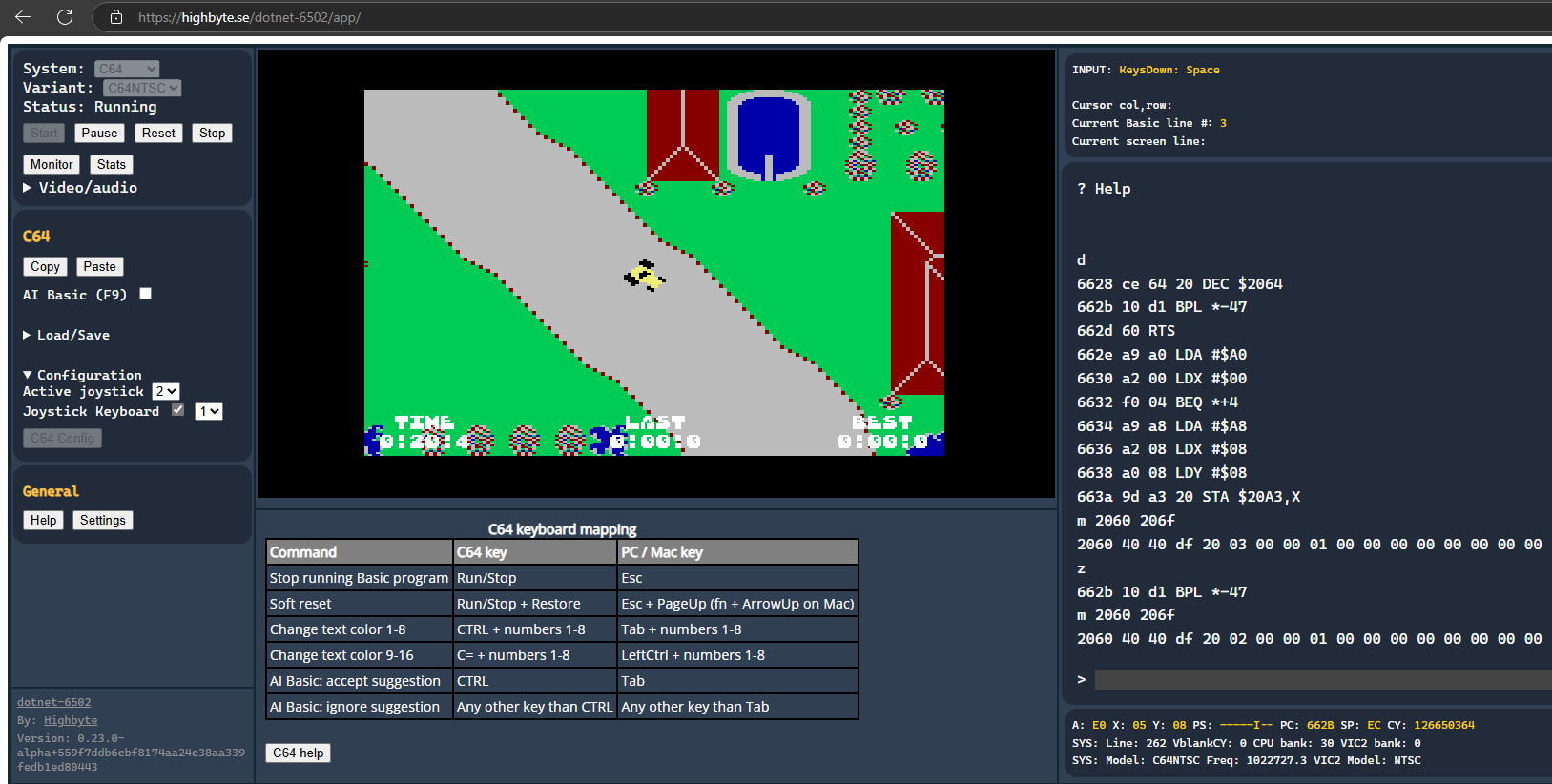
Web app written with Blazor WebAssembly.
Technologies:
- UI:
BlazorUI controls. - Rendering:
Highbyte.DotNet6502.Impl.Skia. UsingSkiaSharp.Views.Blazorlibrary to provide a Canvas for drawing on withSkiaSharp. - Input:
Highbyte.DotNet6502.Impl.AspNet. - Audio:
Highbyte.DotNet6502.Impl.AspNet. CustomWebAudio JS interopfor synthesizer and playback. Only the legacy command-stream C64 audio provider is wired up here; the more accurate sample-based provider is currently available on the desktop hosts and on the Avalonia Browser app. See C64 audio.
Live version: https://highbyte.se/dotnet-6502/app
Features
System: C64
-
Via the C64 config UI you have to upload binaries for the ROMs that a C64 uses (Kernal, Basic, Chargen). Or use the convenient auto-download functionality (with a license notice).
-
Renderer provider
Rasterizer-> targetSkia 2-layer canvas- Character mode (normal and multi-color).
- Bitmap mode (normal and bitmap mode).
- Sprites (normal and multi-color).
- Rendering of raster lines for border and background colors.
-
Renderer provider
Custom-> targetSkia legacy v1- Character mode (normal and multi-color).
- Pre-rendered images for each character.
- Sprites (normal and multi-color).
- Rendering of raster lines for border and background colors.
-
Renderer provider
Custom-> targetSkia legacy v2- Character mode (normal and multi-color).
- Bitmap mode (normal and bitmap mode).
- Sprites (normal and multi-color).
- Rendering of raster lines for border and background colors.
-
Renderer provider
Video commands-> targetSkia commands- Character mode (normal).
-
Input using
AspNet. Keyboard uses the browser's W3Ccodedirectly, so bothUSandSwedishC64 keyboard layouts work; in Chromium browsers the layout is auto-detected vianavigator.keyboard.getLayoutMap()(other browsers fall through to OS culture, then US). Layout can be overridden in the C64 config UI. See Systems / C64 / Keyboard mapping for the full host-agnostic mapping. -
Audio via
WebAudiosynthesizer using .NET → JavaScript interop. Only the legacy command-stream C64 audio provider runs here (not very accurate); the more accurate sample-based provider is not yet available in the Blazor WASM host.
System: Generic computer
The example 6502 machine code that is loaded and run by default for the Generic computer is an assembled version of this 6502 assembly code.
UI
Menu
Start and stop of selected system.
Configuration options of selected system.
Monitor
A Blazor WASM implementation of the machine code monitor is available by pressing F12.
Stats
A toggleable stats window by pressing F11.
How to run locally for development
For development system requirements, see details under Development.
Visual Studio (Windows)
Open solution dotnet-6502.slnx.
Set project Highbyte.DotNet6502.App.WASM as startup, and start with F5.
Important
Running a Debug build of the Blazor WASM app is very slow. To get acceptable performance a published release build with AOT is required. It can make local debugging tricky sometimes.
From command line (Windows, Linux, Mac)
Run Debug build
Open browser at http://localhost:5000.
Run optimized Publish build
To serve the published build the example below uses the .NET global tool dotnet-serve. Install with dotnet tool install --global dotnet-serve.
PowerShell:
cd ./src/apps/Highbyte.DotNet6502.App.WASM
if(Test-Path ./bin/Publish/) { del ./bin/Publish/ -r -force }
dotnet publish -c Release -o ./bin/Publish/
dotnet serve -p 5001 -o:/ --directory ./bin/Publish/wwwroot/
macOS / Linux:
cd ./src/apps/Highbyte.DotNet6502.App.WASM
rm -rf ./bin/Publish/
dotnet publish -c Release -o ./bin/Publish/
dotnet serve -p 5001 -o:/ --directory ./bin/Publish/wwwroot/
A browser is automatically opened at http://localhost:5001.