SilkNetNative app
Cross-platform desktop app written in .NET using Silk.NET.
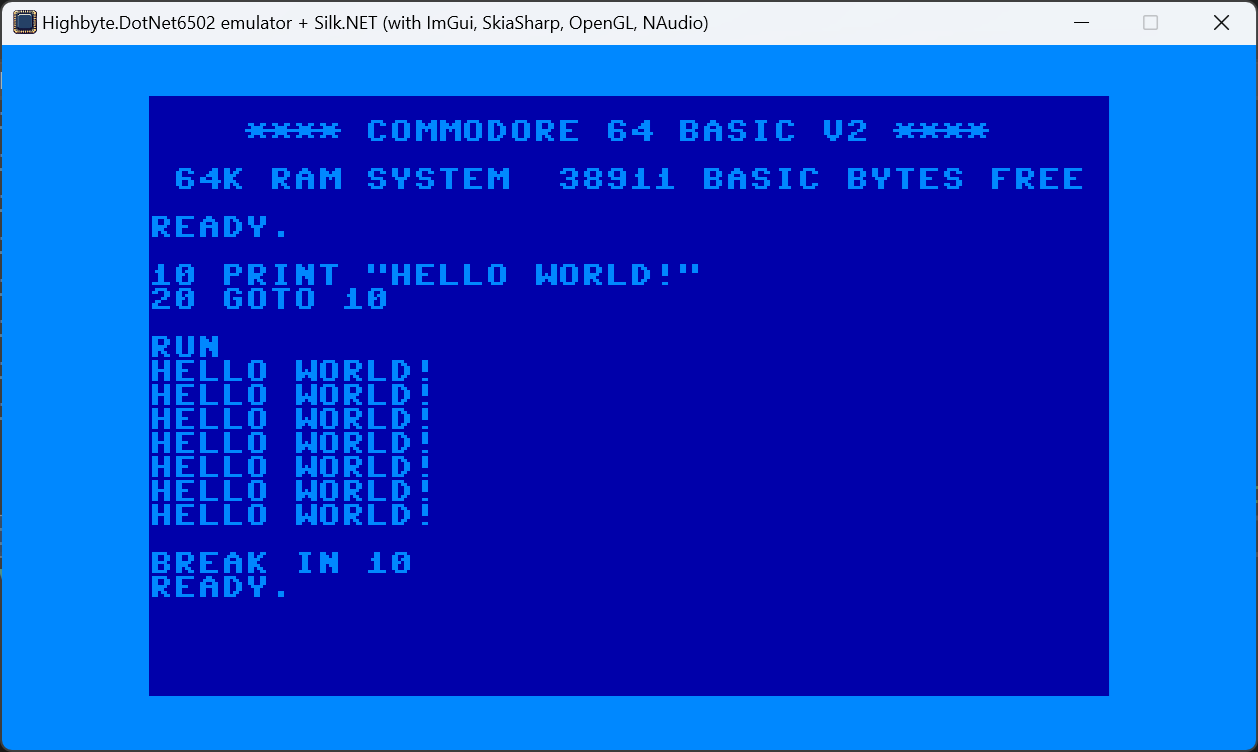
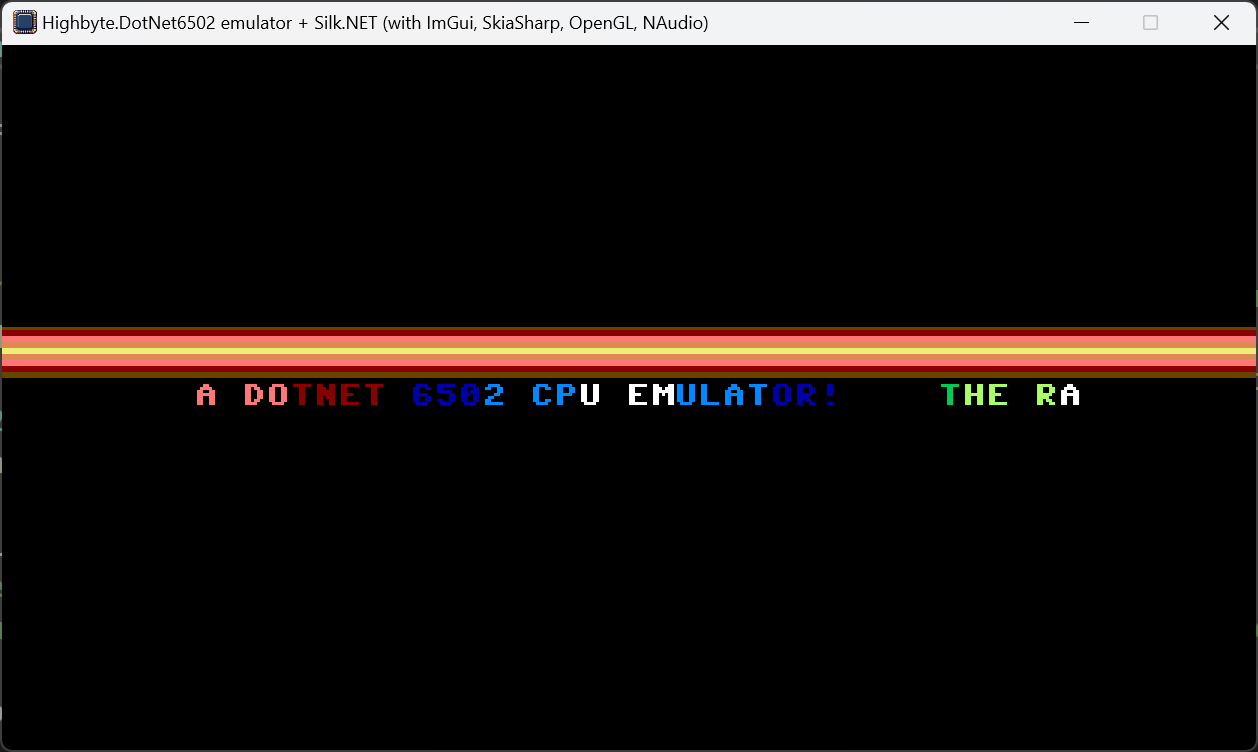
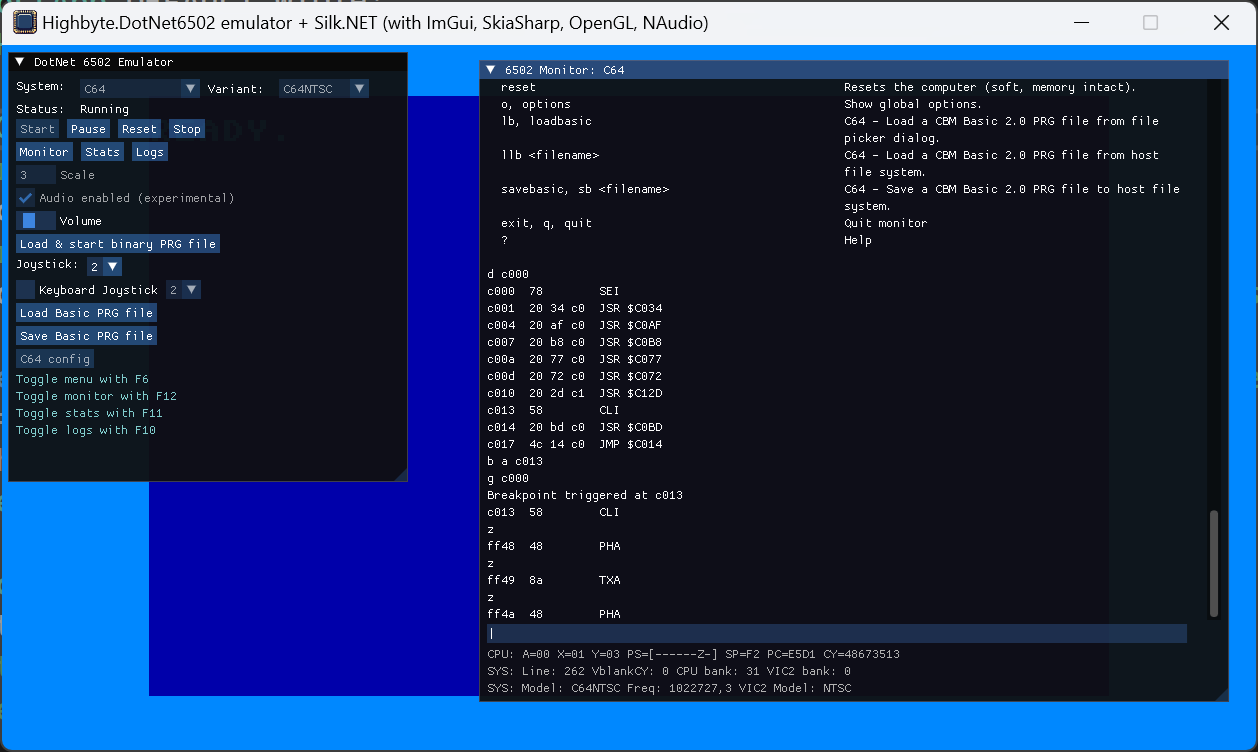
Technologies:
- UI:
Silk.NETImGui extensions. - Rendering:
Highbyte.DotNet6502.Impl.SkiaorHighbyte.DotNet6502.Impl.SilkNet(OpenGL) on aSilk.NETwindow. - Input:
Highbyte.DotNet6502.Impl.SilkNet. - Audio:
Highbyte.DotNet6502.Impl.NAudio, playback viaOpenAL. Two C64 audio providers available: a sample-based one (good but not perfect accuracy — the default) and a command-stream synthesizer one (low CPU but inaccurate). See C64 audio.
Installation
Manual download, see section in installation.md
Features
System: C64
-
A directory containing the C64 ROM files (Kernal, Basic, Chargen) is supplied by the user. When no directory override is set, the default is the shared user content directory
~/Documents/Highbyte/DotNet6502/roms/C64(or the Windows Documents equivalent). The directory can be changed in the UI; user changes are saved to this host'sappsettings.user.jsonunder the OS local application data directory. -
Renderer provider
Rasterizer-> targetSkia 2-layer canvas- Character mode (normal and multi-color).
- Bitmap mode (normal and bitmap mode).
- Sprites (normal and multi-color).
- Rendering of raster lines for border and background colors.
-
Renderer provider
Custom-> targetSkia legacy v1- Character mode (normal and multi-color).
- Pre-rendered images for each character.
- Sprites (normal and multi-color).
- Rendering of raster lines for border and background colors.
-
Renderer provider
Custom-> targetSkia legacy v2- Character mode (normal and multi-color).
- Bitmap mode (normal and bitmap mode).
- Sprites (normal and multi-color).
- Rendering of raster lines for border and background colors.
-
Renderer provider
Video commands-> targetSkia commands- Character mode (normal).
-
Renderer provider
Custom GPU packet-> targetSilkNet OpenGL- Character mode (normal and multi-color).
- Bitmap mode (normal and bitmap mode).
- Sprites (normal and multi-color).
- Rendering of raster lines for border and background colors.
-
Renderers using either
SkiaSharporSilkNet(OpenGL)- Character mode (normal and multi-color) with all renderers.
- Bitmap mode (normal and bitmap mode) with the SkiaSharp2* and SilkNetOpenGL renderers.
- Sprites (normal and multi-color) with all renderers.
- Rendering of raster lines for border and background colors with all renderers.
-
Input using
SilkNet. Keyboard uses GLFW's positional keys, so bothUSandSwedishC64 keyboard layouts work; layout is auto-detected from the host (Win32 KLID / macOSTIS*) and can be overridden from the in-app C64 config UI. See Systems / C64 / Keyboard mapping for the full host-agnostic mapping. -
Audio via NAudio. Defaults to the sample-based SID provider; switch to the command-stream provider in the in-app C64 config UI if you need lower CPU. The SID emulation mode (
Auto/Fast) is selectable in the same UI.
System: Generic computer
TODO
UI
Menu
A toggleable main menu by pressing F6.
Start and stop of selected system.
Configuration options of selected system.
Monitor
A toggleable machine code monitor window by pressing F12.
Stats
A toggleable stats window by pressing F11.
How to run locally for development
For development system requirements, see details under Development.
Prerequisites, compatibility, and troubleshooting
See SilkNetNative troubleshooting.
Visual Studio 2026 or 2022 (Windows)
Open solution dotnet-6502.slnx.
Set project Highbyte.DotNet6502.App.SilkNetNative as startup, and start with F5.
VSCode
TODO